
Microwave Display Works but Won’t Start: Why the Cook Cycle Will Not Begin
By General Appliance Service
A microwave display works but won’t start for different reasons than one that runs but leaves food cold. The clock may be correct, the keypad may accept a cook time, and Start may produce a beep or click. Yet the light, fan, turntable, and cooking cycle never begin. This pattern often means the control is not receiving a signal needed to authorize safe operation.
What a Technician Checks When a Microwave Will Not Start
A technician begins by confirming the exact sequence rather than selecting a replacement part. Useful details include whether the display responds normally, whether the unit accepts timed cooking, and what happens after Start is pressed.
Does it beep and remain idle, click once, briefly illuminate the cavity, or start and immediately stop? Those distinctions help separate a door-recognition problem from a control, wiring, or protection-circuit issue.
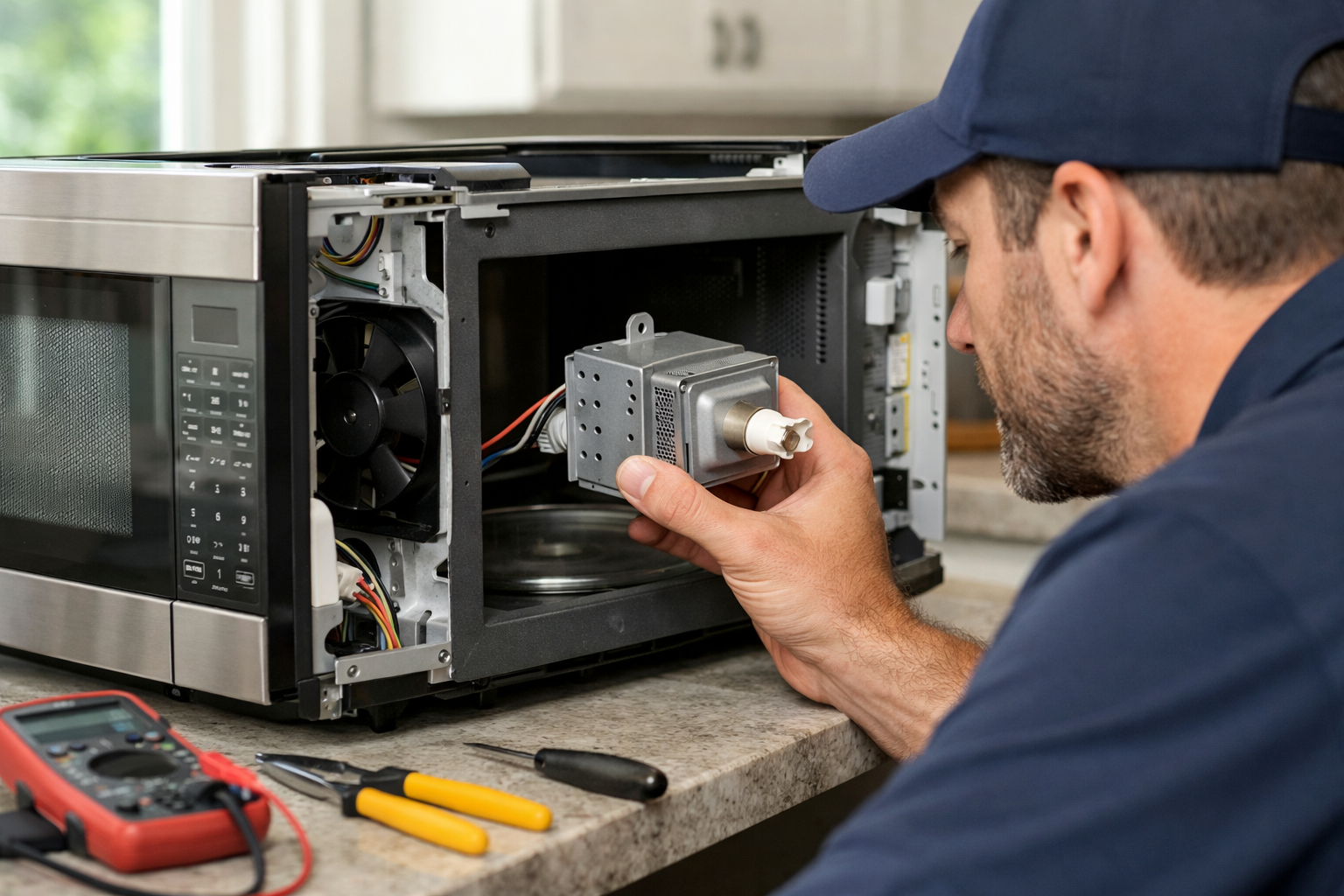
The door-interlock system is a frequent diagnostic area. Microwaves use multiple switches around the latch, and they must operate in the correct order. A cavity light that responds when the door opens or closes does not prove every interlock contact is working. One switch may control the light while another tells the control the door is safely latched for cooking.
Technicians may also inspect latch alignment, switch mounts, harness connections, thermal devices, and model-specific control circuits.
Start With the Door and Control Lock
Before scheduling service, check simple items without taking the microwave apart. First, confirm that the control lock is not enabled. The unlocking procedure varies by model, so consult the owner’s manual.
Next, close the door normally and inspect the latch area for obvious debris, food buildup, damaged plastic, or anything that keeps the door from seating fully. Do not slam or force the door. Stop using the microwave if the door looks bent, cracked, loose, or uneven when closed.
If there is no burning smell, sparking, visible damage, or breaker problem, try one normal timed-cook cycle with a microwave-safe cup of water. Watch for changes in the display, light, fan, or turntable. If the microwave behaves abnormally, stop the test instead of repeatedly pressing Start.
A locked control panel can prevent operation, but a responsive keypad does not rule out a latch or safety-circuit problem.
Why the Microwave May Beep but Not Begin Cooking
A beep confirms that the user interface received the button press. It does not confirm the microwave has cleared every safety condition required to run.
A worn, misaligned, or poorly mounted door switch can prevent the control from receiving a proper “door closed” signal. The keypad may accept the cook time, but the cycle will not begin. A shifted latch bracket can create the same result.
Other possibilities include a thermal-protection circuit, loose terminal, damaged wiring, or communication problem between the display panel and main control. Over-the-range and built-in units can also experience access, heat, vibration, or harness-related concerns.
Before replacing a switch, fuse, or control board, a technician should confirm whether the component is receiving and sending the expected signal. Model-specific wiring information and safe testing procedures matter because several faults can produce nearly identical symptoms.
Keep the Cabinet Closed and Arrange Diagnosis
Do not remove the microwave cabinet, bypass door switches, substitute a fuse, or attempt live-voltage testing. Microwaves can retain hazardous electrical energy even after being unplugged, and door switches are part of a safety system.
Leave the unit unplugged if it smells burned, sparks, has visible door damage, trips a breaker, or starts and stops unpredictably. A no-start condition differs from a situation where a microwave trips a breaker when you open the door, which can indicate a more urgent electrical or interlock-timing concern.
Professional diagnosis can prevent replacing an expensive board when the actual problem is a latch mount, harness connection, or safety circuit. For microwave repair in South Florida, have the model number and notes about what occurs after Start is pressed. Local homeowners can also request appliance repair in Highland Beach, FL to assess repair options and parts availability.
Frequently Asked Questions About Microwave Display Works but Won’t Start
Why does my microwave beep when I press Start but not run?
The beep usually means the keypad registered the command. A door-interlock, control, wiring, or safety circuit may still be preventing the cycle from starting.
Can a door switch be bad if the interior light works?
Yes. The light and cooking authorization can use different switch contacts. A working light does not verify every door switch or switching sequence.
Why can I enter a cook time but the microwave will not begin?
The keypad and display may be working partially. The failure can occur afterward, when the control checks door interlocks and other required operating conditions.
Should I keep trying to start a microwave that clicks but does nothing?
No. Repeated attempts rarely solve the issue. Stop using it if clicking occurs with burning odors, sparking, breaker trips, or other unusual behavior.
Is this the same as a microwave that runs but does not heat?
No. A microwave that runs without heating has initiated its cycle. A no-start symptom occurs earlier, often involving door recognition, controls, or safety circuits.